This feature allows you to bulk assign or remove a user from existing Projects/Tasks or replace assigned user with another.
Navigate to:
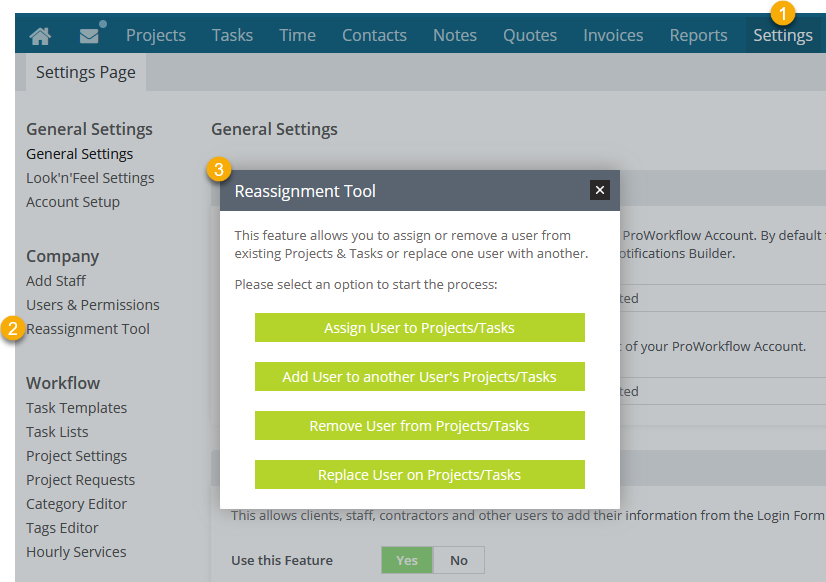
'Settings' tab
Click 'Reassignment Tool' on the left navigation.
A pop-window will display list of options for selection.