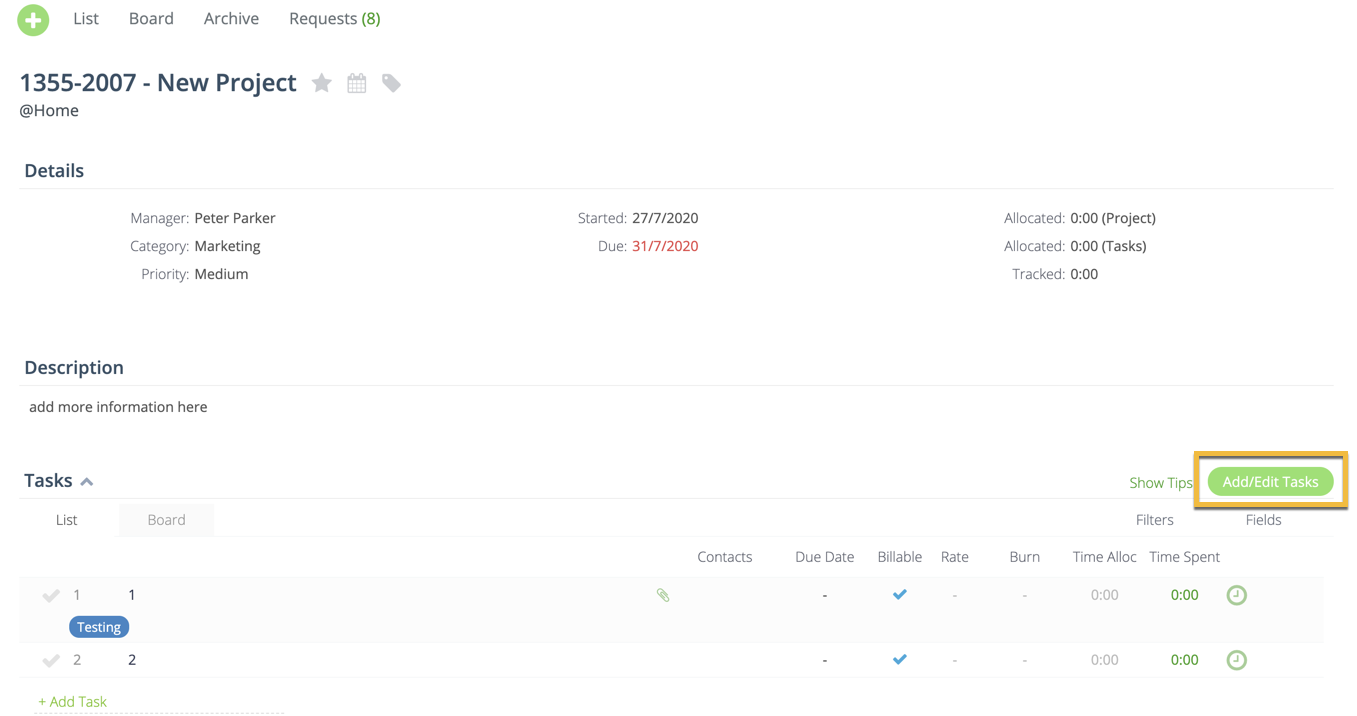
You can recurring tasks directly from the Project details page.
In the Project details page, hover over the Tasks section and click on 'Add/Edit Tasks'.
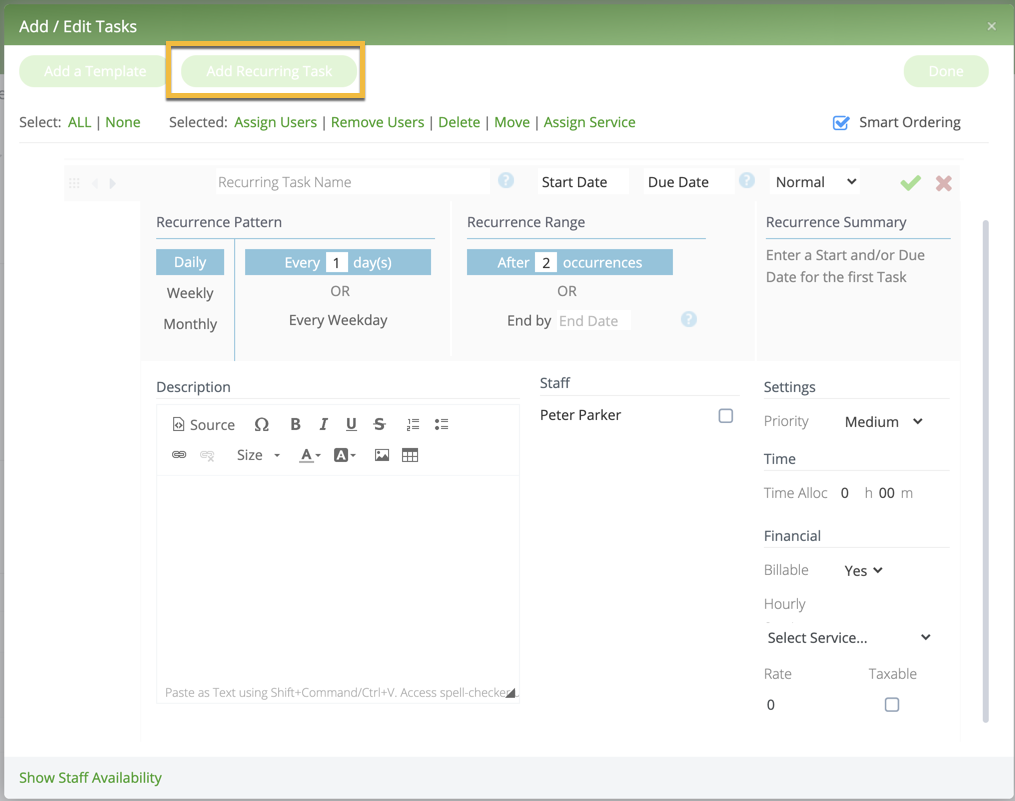
In the Add/Edit Tasks modal, select the 'Add Recurring Tasks' button.
Then enter in the required details - Task name, start/due dates, recurrence and pattern.