
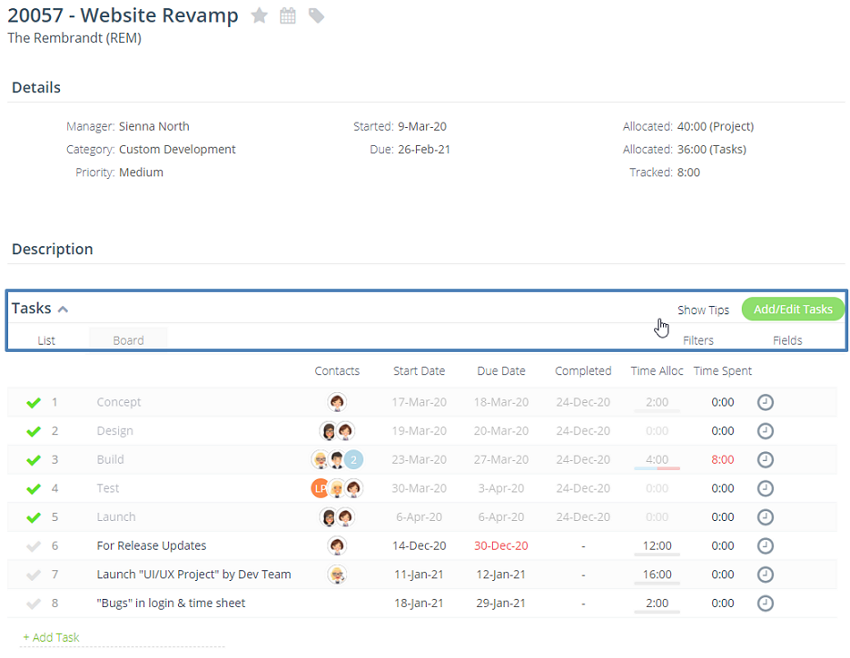
In your project details page, when you hover your mouse in Tasks section heading, you will find several options:
Show Tips
Add/Edit Tasks
Filters
Fields
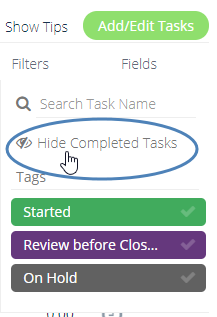
Next, click on Filters then select 'Hide Completed Tasks':
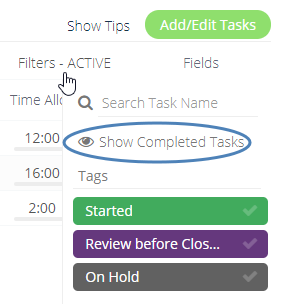
If you need to show all tasks again, then navigate back to Filters and select 'Show Completed Tasks':
If you like to apply 'Hide Completed Tasks' in all of your projects, you can click on your Avatar > Click 'Edit Profile' On the Profile Drop Down > Preferences tab then enable the option:
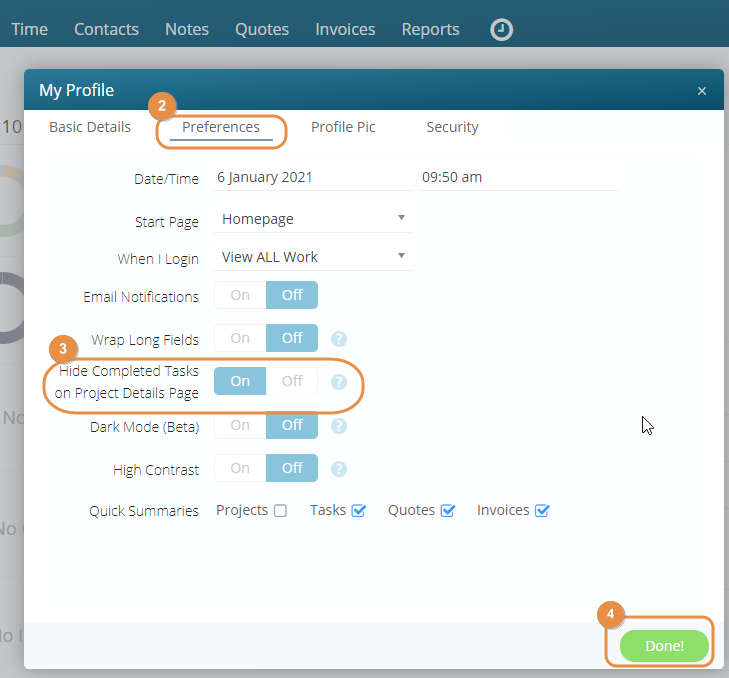
You can remove this filter in each project if you need to, but once the page has been refreshed it will default back to your preference selected.