
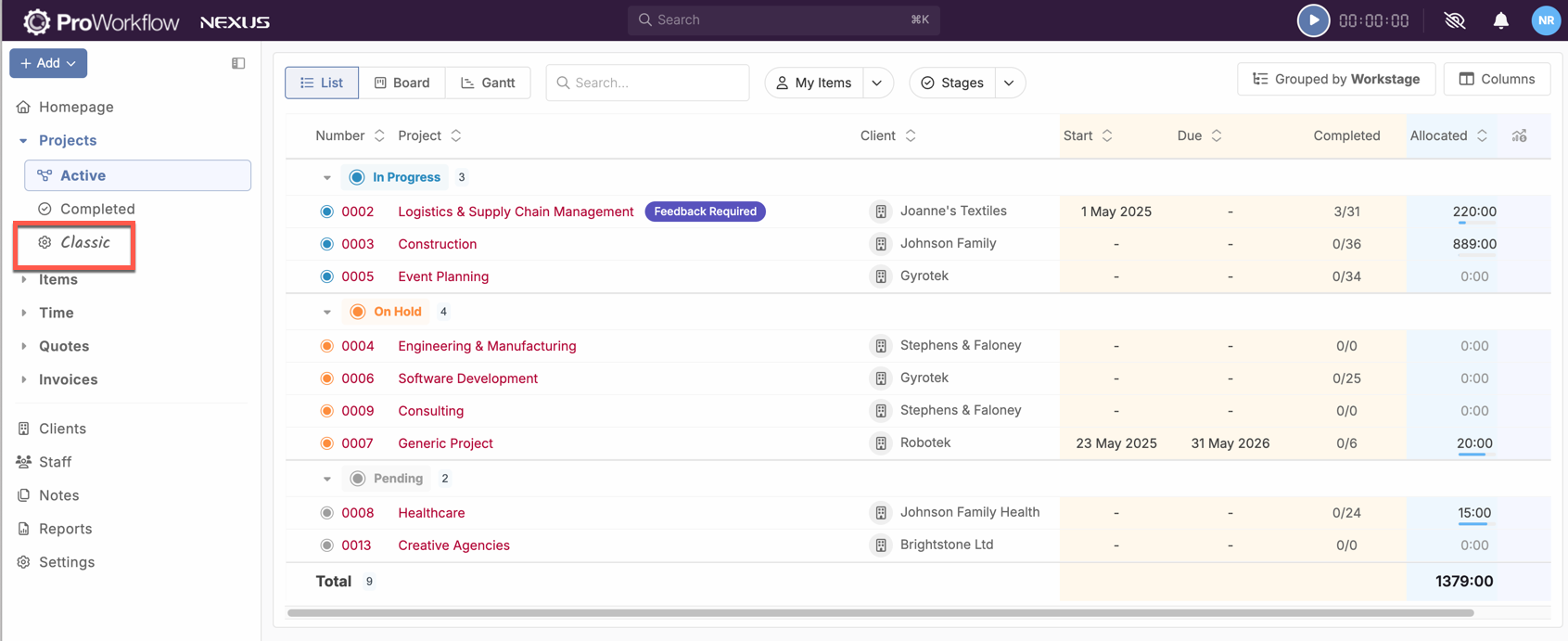
Because Nexus has so many differing fields and functions, Classic projects are fundamentally different from Nexus projects on a data level. For ease of differentiating these different projects, we have placed all of your existing projects into the Classics tab:
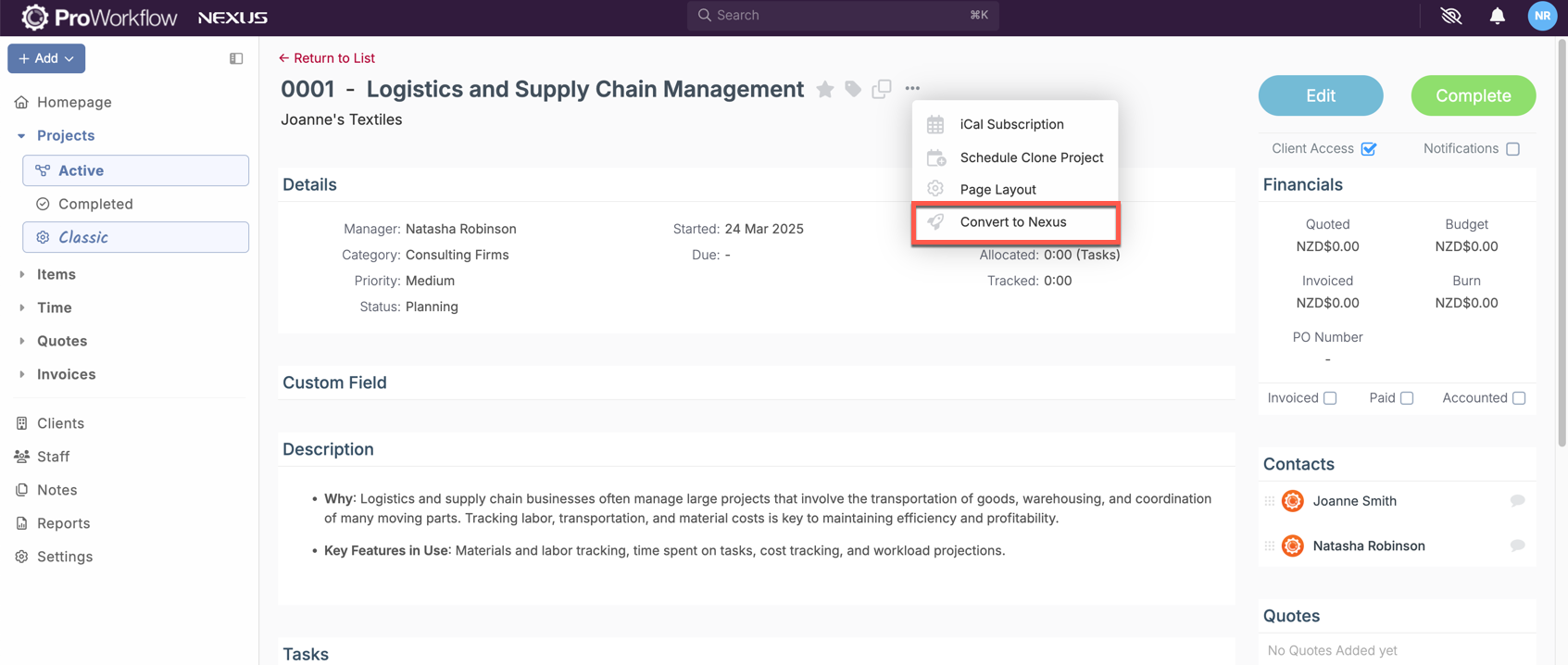
You'll be able to convert projects to Nexus equivalents by finding them here also:
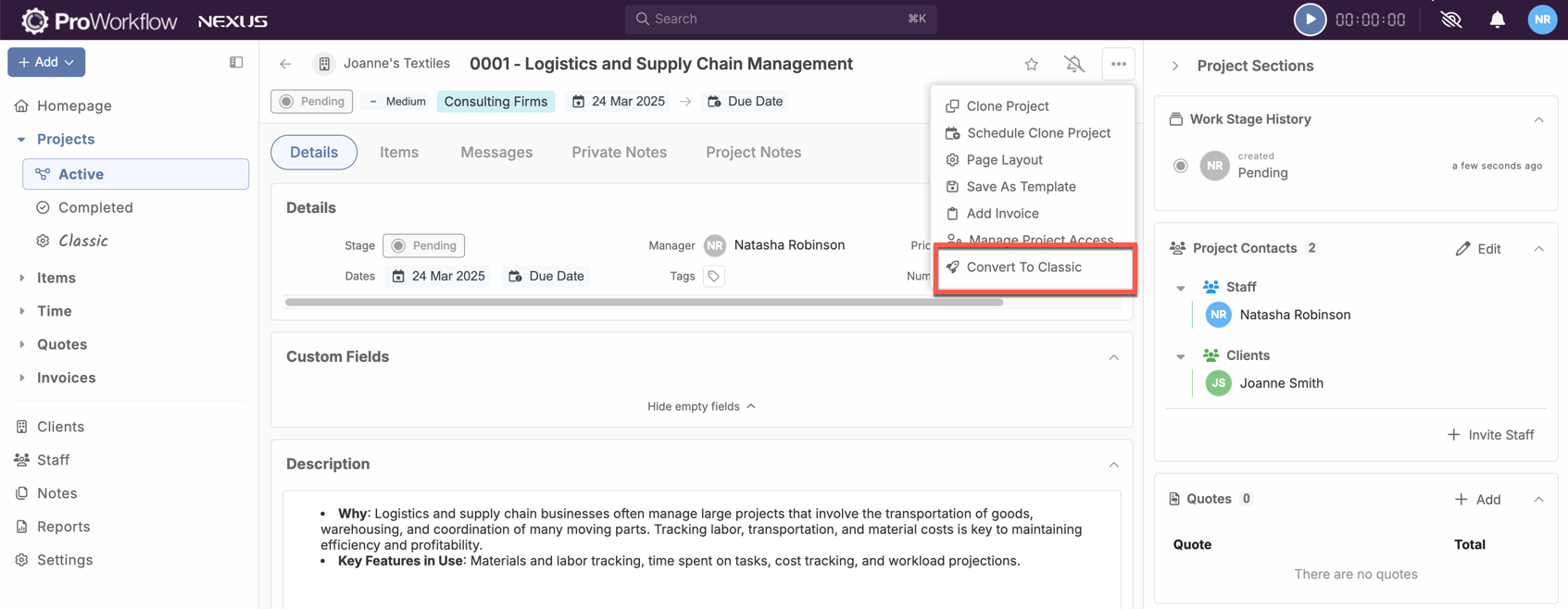
Keep in mind, if once you've converted your project to Nexus you realise that some facet of it is not as you require, you are also able to move the project back to its classic format. If you do this, any changes that you make while the project is a Nexus project will be undone.
Come and talk to us if you have any further questions on Classic Projects and where to find them!